On-device speech · Works offline
Speak it.
It becomes a task.
Say your to-dos out loud, in one breath. Tasuke AI splits them into separate tasks with the right dates and reminders — entirely on your phone, with no account and no internet connection.

- No account
- No tracking
- Works in airplane mode
See it work
One sentence in. Separate tasks out.
People don’t think in forms. Say everything at once — Tasuke AI finds where each task ends, reads the dates and times, and hands you a list to confirm.
Examples
- You say: “Tomorrow at 3 PM send the build to Emily and Friday check App Store” — Tasuke AI saves: Send the build to Emily (Tomorrow, 3:00 PM); Check App Store (Friday).
- You say: “On Friday at 10am I have a dentist appointment, and after that buy flowers for mom.” — Tasuke AI saves: Dentist appointment (Friday, 10:00 AM); Buy flowers for mom (Friday).
- You say: “Water the garden plants tonight and take out the trash.” — Tasuke AI saves: Water the garden plants (Today, 8:00 PM); Take out the trash (Today).
- You say: “Remind me to call Otabek at 5, to order the cake on Friday, to check the hall tomorrow and to buy candles.” — Tasuke AI saves: Call Otabek (Today, 5:00 PM); Order the cake (Friday); Check the hall (Tomorrow); Buy candles.
An illustration: the sentences come from the app’s test suite, and each result is what the app’s task extractor produces for it. In the app you speak, and the words are transcribed on your phone.
How it works
From thought to reminder in three steps
No typing into date pickers, no deciding where one task ends and the next begins.
01
Tap and speak
No forms to fill in. Tap the microphone and say what’s on your mind — several things at once is fine.
02
Check the list
Each task appears with its own date and time. Fix anything that’s off, then save. Nothing is saved without you seeing it.
03
Get reminded
Tasks with a time get a reminder scheduled by your phone, so it arrives on time even when the app is closed.
Works in airplane mode
Everything happens on your phone.
The speech model is built into the app, and so are the rules that turn words into tasks. Nothing to download after you install it, nothing uploaded while you use it — so it works on a plane, in a basement, or on a train through a tunnel.
Read the privacy policyNo account
No email address, no password, no sign-up screen.
No tracking
No analytics, no crash reporting, no ads, no attribution SDK.
No cloud
There is no server. Your tasks live in a database on your phone.
No recordings kept
Audio streams into the on-device speech model and is discarded. No audio file is ever written.
Features
Built for the way you actually remember things
In the car, on a walk, halfway through something else. Capture it in seconds and get back to what you were doing.
Several tasks in one breath
Speak naturally. One sentence with three to-dos becomes three separate tasks.
Understands real dates
“Tomorrow at 3”, “next Friday”, “in two weeks”, “the 14th”, “Monday morning”.
You check it before it saves
Every extracted task is shown on a confirmation screen first. Nothing lands in your list unchecked.
Reminders that arrive on time
Local notifications scheduled by your phone, so they fire even with the app closed.
Search everything
Search across every task you have ever captured — offline, like everything else.
Your week, already sorted
Today, Upcoming and Completed tabs, with upcoming tasks grouped by day.
Inside the app
Calm, clear, and out of your way
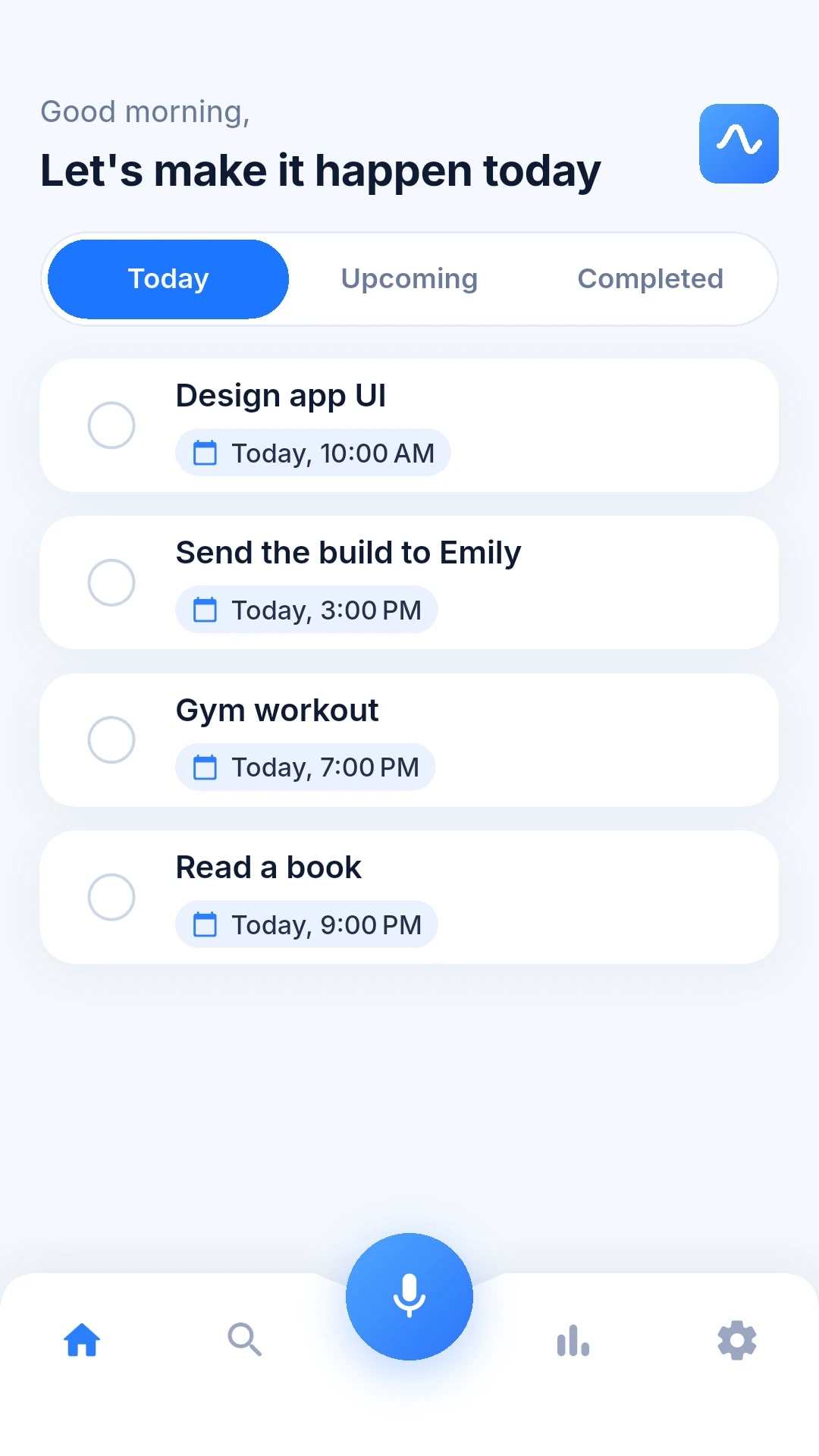
Real screens from the app. No feeds and no ads — just what you have to do, and when.
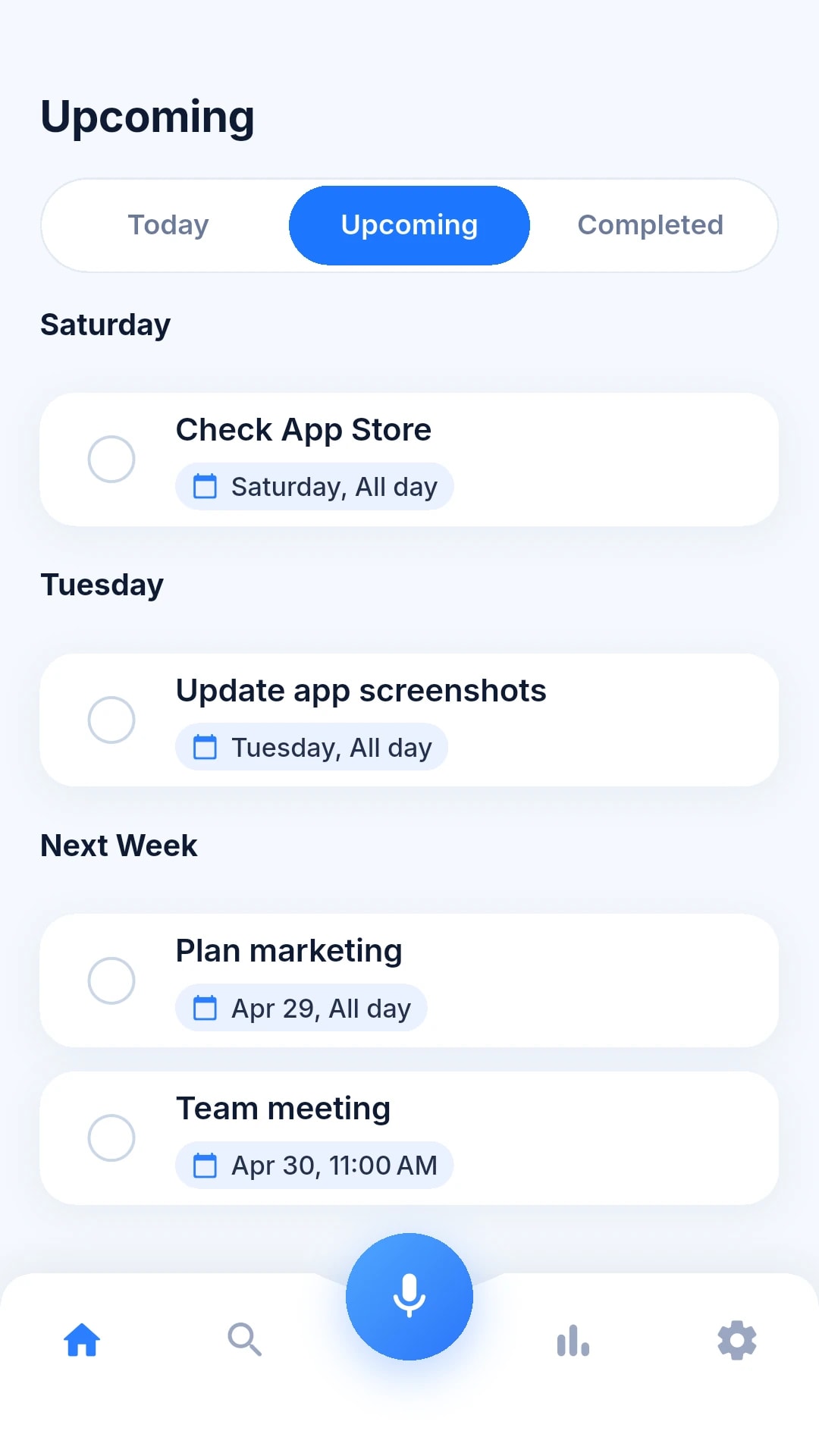
Upcoming, grouped by day
Today at a glance
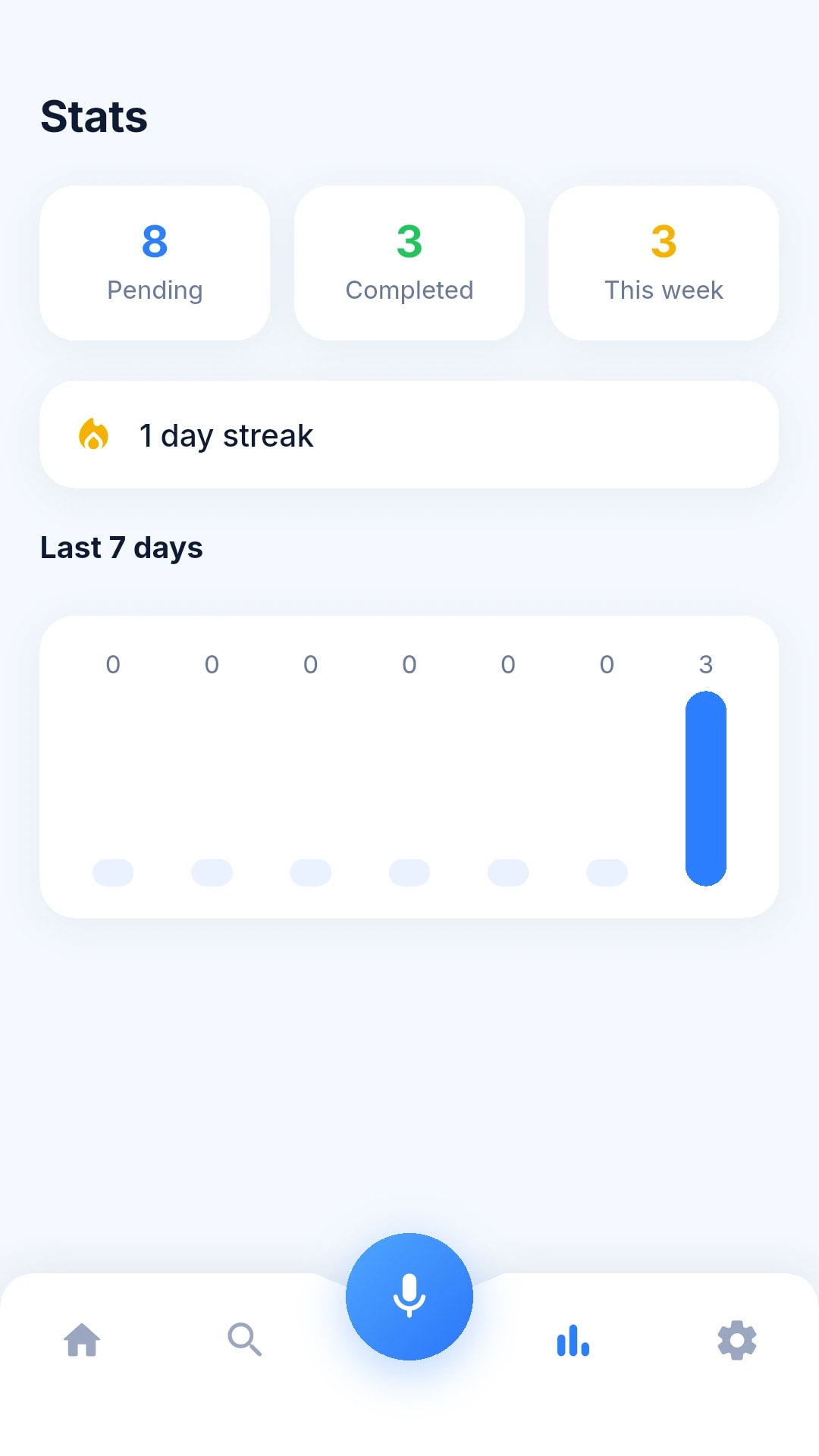
Stats and streaks
Pricing
Free every day. Pro when you need more.
The free version has no time limit and no trial clock. Upgrade only if one capture a day isn’t enough.
Free
For everyday essentials.
$0forever
- 1 capture every day, spoken or typed
- Unlimited reminders
- Unlimited search and history
- Works fully offline
- No account, no ads
Tasuke Pro
UnlimitedFor people who put their whole day into their phone.
$39.99/ year
That’s $3.33 a month, billed yearly.
- Unlimited captures
- Everything in Free
- Cancel anytime in your store settings
Prices in US dollars; the App Store and Google Play show the price in your local currency. Tasuke Pro is an auto-renewing subscription, charged to your Apple or Google account at confirmation of purchase. It renews automatically unless cancelled at least 24 hours before the end of the current period. Manage or cancel anytime in your store account settings. See the Terms.
Does Tasuke AI really work without internet?
Yes. The speech model is built into the app, and turning what you said into tasks happens on your phone. Voice capture, tasks and reminders all work in airplane mode from the first launch. Only viewing, buying and restoring Tasuke Pro go through the App Store or Google Play and need a connection.
Where is my data stored?
Only on your phone, in the app's private storage. There is no account and no server, so we have no copy of your voice, transcripts or tasks. If your phone's own backup (iCloud or Google) is switched on, the app data is included in that encrypted backup.
Is my voice recorded?
No audio file is ever written. While the recording screen is open, audio streams into the on-device speech model and is discarded as it is processed. The microphone is never used in the background.
Which languages does it understand?
English, for now. The built-in speech model is an English model, so speak your tasks in English.
What do I get for free?
One capture every day, spoken or typed, with no time limit. Reminders, search and history are unlimited. The counter resets at local midnight, and a capture that failed — silence, or speech that could not be transcribed — does not count.
What does Tasuke Pro add, and what does it cost?
Pro removes the daily capture limit. It is $4.99 per month or $39.99 per year in the US; your store shows the price in your local currency. There is no free trial — the free tier is the trial.
How do I cancel?
In your App Store or Google Play subscription settings, at any time. Cancel at least 24 hours before the end of the current period to stop the next renewal. Refunds are handled by Apple or Google under their policies.
Is it always right?
No automatic interpretation is. It can mishear a word or pick the wrong Friday — which is exactly why every task is shown on a confirmation screen before anything is saved. Check it, and do not rely on it as the only record of something critical.
Which devices are supported?
iPhone with iOS 16.4 or later, and Android phones. There is no iPad version.
Your next to-do is one sentence away.
Free to download, with one free capture every day for as long as you like. No account to create — open it and start talking.
For iPhone (iOS 16.4 or later) and Android phones. Speech recognition is in English.